A short description of the "Remote profiles" and the "Remote conversations" settings | #Fedilab #FedilabTips
-
What does the Remote conversations/profiles setting do, and why should you think twice before enabling it?

[Edit 07.06.2026
I got the technicality wrong, but the consequences stay the same. Partial quote of a post from @tom79: It is not a Fedilab bug but a Mastodon API limit. The context endpoint caps unauthenticated requests at 60 posts and a depth of 20. With remote conversations enabled, Fedilab asks a remote server without a token, so it hits that cap. On your own instance the request is authenticated and the depth is unlimited.]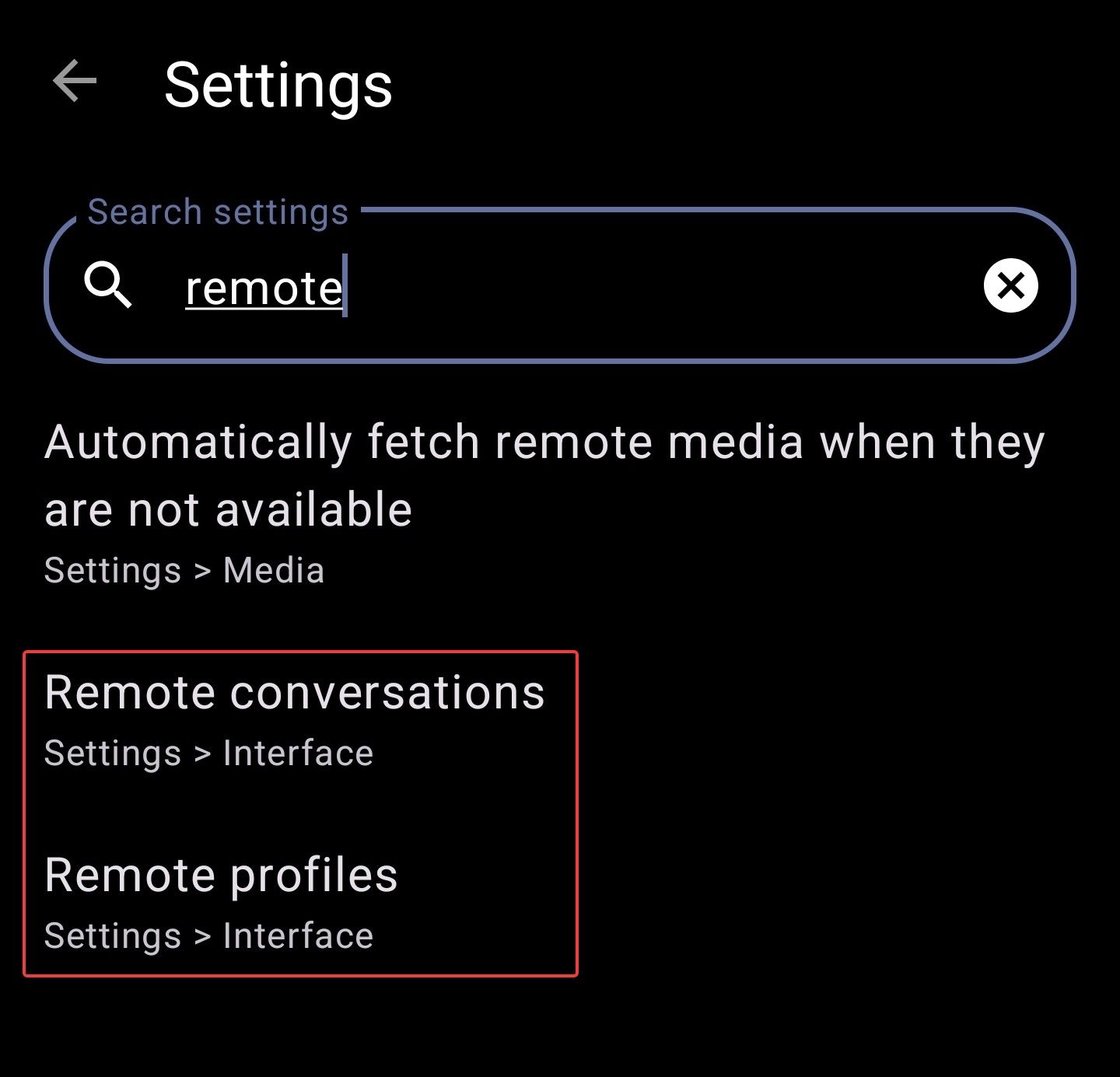
Remote conversations and remote profiles show the toot/profile from the perspective of a well-federated server. This means that, especially on smaller instances, you may be able to see more posts and replies.
WAIT! Don’t enable these settings right away. Hear me out first.
There are a few downsides you should consider:
- The remote server doesn’t know your filters, so they won’t apply.
- In conversations, your own server may federate faster than the remote server. So don’t be surprised if your own replies are missing in conversation view.
- Due to rate limiting, you might not see interactions you had with posts (Bookmarks, Favorites).
My recommendation is to keep these settings disabled and only load remote profiles or conversations when needed.
But how?
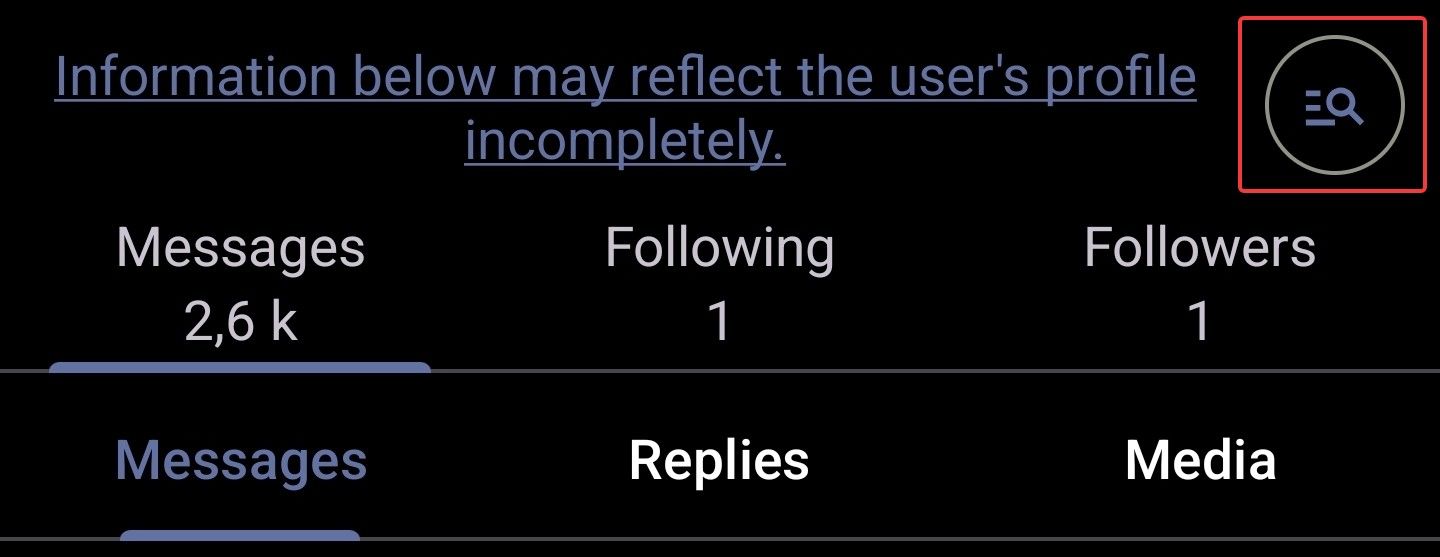
It’s easy. For remote profiles, just tap the magnifying glass on the profile page.
For remote conversations, tap the globe icon at the top of the screen.

This won’t work for every conversation. It depends on the software used by the server where the conversation originated.
You can also open the conversation in browser (three dots --> Share --> Open in browser) to see all replies (if the server allows it and the reply isn’t private or followers-only).
If the globe icon is available and you tap it, you can interact with all replies (except from users who blocked you, I assume), since Fedilab handles the federation process in the background.
I hope this helps explain what these settings do and how to use them to your advantage.
#Fedilab #FedilabTips
-
 A apps@toot.fedilab.app shared this topic on
 H hurricaneweasel@mastodon.world shared this topic on
-
What does the Remote conversations/profiles setting do, and why should you think twice before enabling it?
[Edit 07.06.2026
I got the technicality wrong, but the consequences stay the same. Partial quote of a post from @tom79: It is not a Fedilab bug but a Mastodon API limit. The context endpoint caps unauthenticated requests at 60 posts and a depth of 20. With remote conversations enabled, Fedilab asks a remote server without a token, so it hits that cap. On your own instance the request is authenticated and the depth is unlimited.]Remote conversations and remote profiles show the toot/profile from the perspective of a well-federated server. This means that, especially on smaller instances, you may be able to see more posts and replies.
WAIT! Don’t enable these settings right away. Hear me out first.
There are a few downsides you should consider:
- The remote server doesn’t know your filters, so they won’t apply.
- In conversations, your own server may federate faster than the remote server. So don’t be surprised if your own replies are missing in conversation view.
- Due to rate limiting, you might not see interactions you had with posts (Bookmarks, Favorites).
My recommendation is to keep these settings disabled and only load remote profiles or conversations when needed.
But how?
It’s easy. For remote profiles, just tap the magnifying glass on the profile page.
For remote conversations, tap the globe icon at the top of the screen.
This won’t work for every conversation. It depends on the software used by the server where the conversation originated.
You can also open the conversation in browser (three dots --> Share --> Open in browser) to see all replies (if the server allows it and the reply isn’t private or followers-only).
If the globe icon is available and you tap it, you can interact with all replies (except from users who blocked you, I assume), since Fedilab handles the federation process in the background.
I hope this helps explain what these settings do and how to use them to your advantage.
#Fedilab #FedilabTips
@hurricaneweasel@forum.fedilab.app
Public reply for Hashtags --> see OP
A short description of the "Remote profiles" and the "Remote conversations" settings -
 T tpheine@mstdn.io shared this topic on

Hello! It looks like you're interested in this conversation, but you don't have an account yet.
Getting fed up of having to scroll through the same posts each visit? When you register for an account, you'll always come back to exactly where you were before, and choose to be notified of new replies (either via email, or push notification). You'll also be able to save bookmarks and upvote posts to show your appreciation to other community members.
With your input, this post could be even better 💗
Register Login