Skip to content

World

Topics from outside of this forum. Views and opinions represented here may not reflect those of this forum and its members.

A world of content at your fingertips…

Think of this as your global discovery feed. It brings together interesting discussions from across the web and other communities, all in one place.

While you can browse what's trending now, the best way to use this feed is to make it your own. By creating an account, you can follow specific creators and topics to filter out the noise and see only what matters to you.

Ready to dive in? Create an account to start following others, get notified when people reply to you, and save your favorite finds.

Register Login
  • P

    Hi,

    I've been using Fedilab for a while and there's a few features I haven't found, but I'm not sure if its' just that I haven't found themor the corresponding setting, or if they don't actually exist (in which case I might open an issue on codeberg...)

    1. Typing ':' and an emoji code allows is a shortcut to use the custom emojis of the server. Is there such a shortcut for standard emojis? (I never use the server ones...)

    2. Is there a way to search through standard emojis like it can be done for custom emojis in the new picker UI?

    3. Is there a faster way to access the alt-text of an image/video a timeline than clicking on it first, then clicking again?

    4. Is there a way to access the alt-text before the image has loaded ? (9 times out of ten, I want to look at alt-text because I'm on slow network and the image hasn't loaded/will not load, but the alt-text doesn't seem to show up until after the loading is complete?)

    Thank you for reading, and of course, for this great app!


    Thanks a lot!
  • apps@toot.fedilab.appA

    Following the recommendations I got, I set up a forum to discuss the projects , , and .

    Each category federates over , so you can follow it directly from your Fediverse account: @fedilab, @holos, @castlab, @fedle.

    More details: https://forum.fedilab.app/post/2


    read more →
    @apps I'm a bit confused. When I follow (at)fedilab(at)forum.fedilab.app, shouldn't I get new forum posts boosted or posted in my timeline? Or is it only for mentioning, so that it's visible in the forum?
  • N

    Hello everybody,

    This is my first contact on a NodeBB forum and I am really thrilled to see how it works.
    Some of you may have already met me on the #Fediverse. My identity thereon is @nelfan@gotosocial.social. My profile is a good introduction and I wish I will get much more relevant knowledge by interconnecting here.

    There is just a first trouble : I don't see the mail with the link in my inbox. Could anyone tell me what's wrong ?


    Hi and welcome Nelfan. I wasn't able to confirm my email too. I'm sure it will be fixed in the future.
  • HurricaneWeaselH

    What does the Remote conversations/profiles setting do, and why should you think twice before enabling it? 🤔

    [Edit 07.06.2026
    I got the technicality wrong, but the consequences stay the same. Partial quote of a post from @tom79: It is not a Fedilab bug but a Mastodon API limit. The context endpoint caps unauthenticated requests at 60 posts and a depth of 20. With remote conversations enabled, Fedilab asks a remote server without a token, so it hits that cap. On your own instance the request is authenticated and the depth is unlimited.]
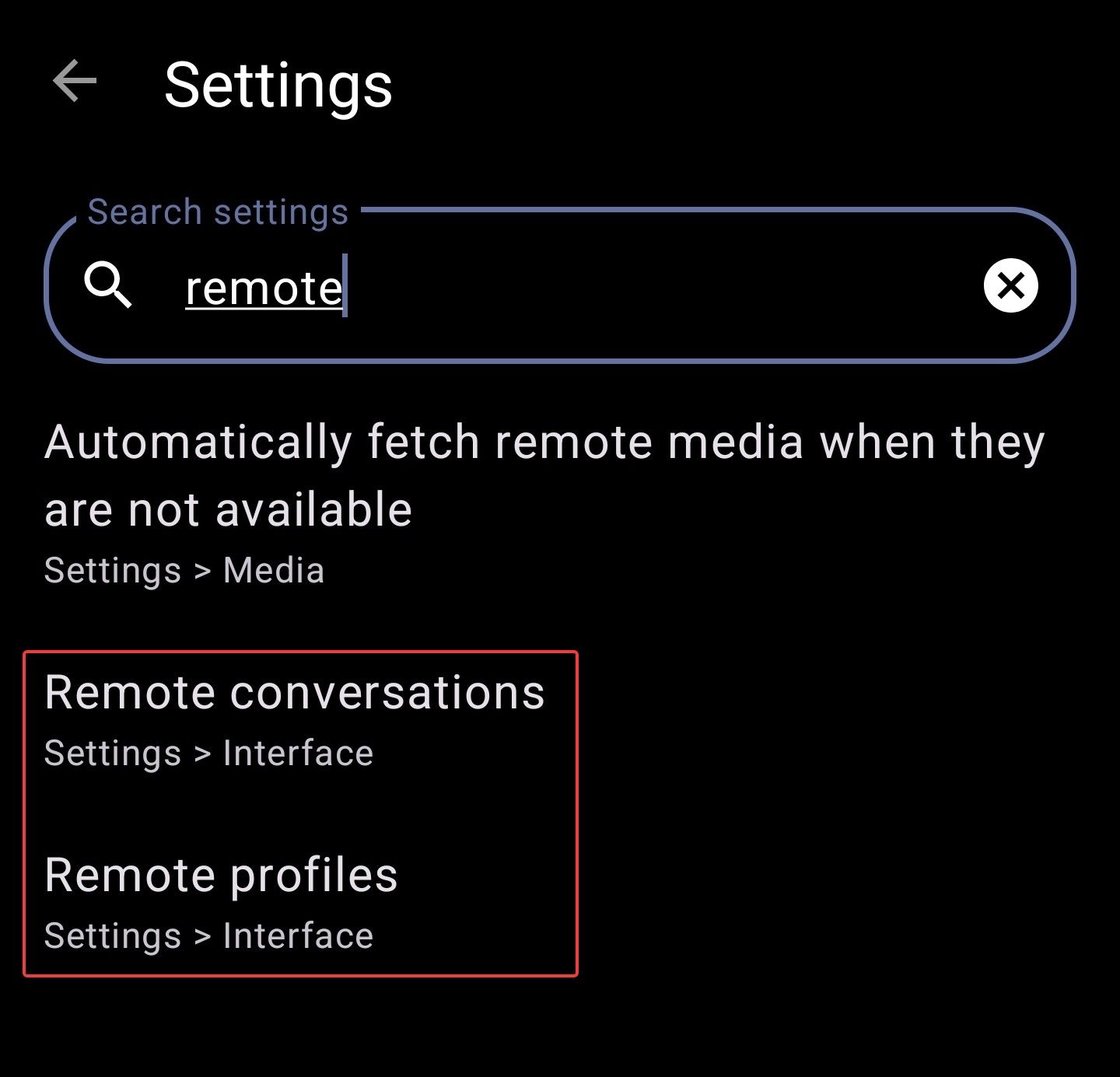
    Screenshot_20260511_173156_Fedilab.jpg

    Remote conversations and remote profiles show the toot/profile from the perspective of a well-federated server. This means that, especially on smaller instances, you may be able to see more posts and replies.

    WAIT! Don’t enable these settings right away. Hear me out first.

    There are a few downsides you should consider:

    • The remote server doesn’t know your filters, so they won’t apply.
    • In conversations, your own server may federate faster than the remote server. So don’t be surprised if your own replies are missing in conversation view.
    • Due to rate limiting, you might not see interactions you had with posts (Bookmarks, Favorites).

    My recommendation is to keep these settings disabled and only load remote profiles or conversations when needed.

    But how?

    It’s easy. For remote profiles, just tap the magnifying glass on the profile page.
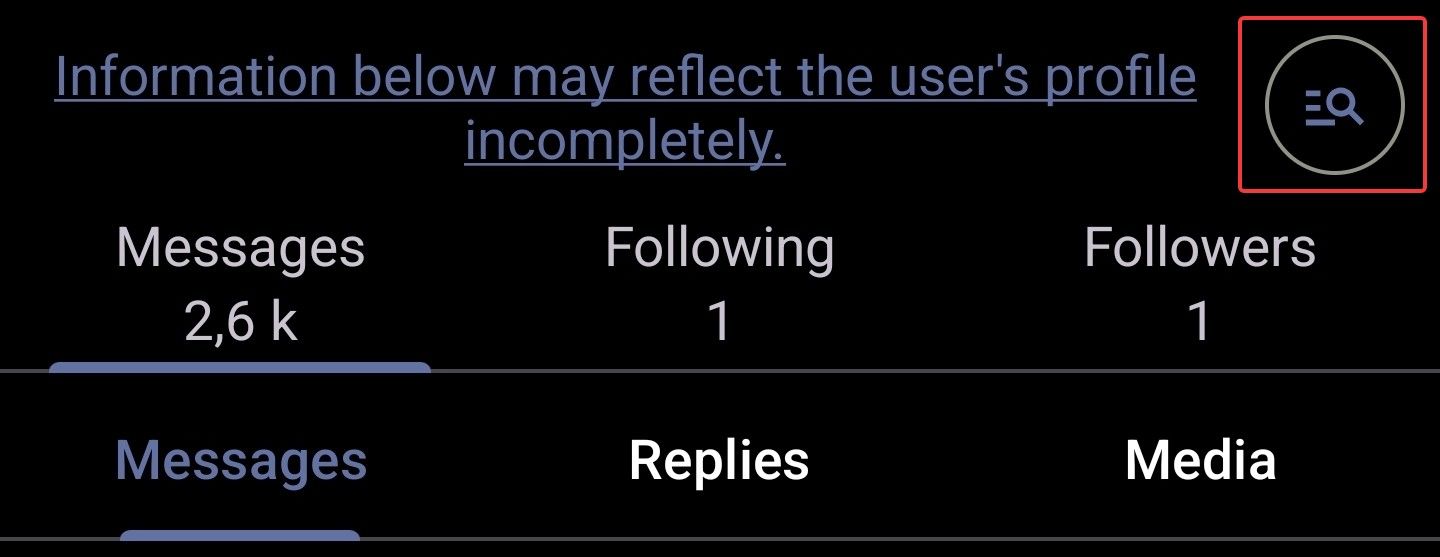
    Screenshot_20260511_173223_Fedilab.jpg

    For remote conversations, tap the globe icon at the top of the screen.

    Screenshot_20260511_173244_Fedilab.jpg

    This won’t work for every conversation. It depends on the software used by the server where the conversation originated.

    You can also open the conversation in browser (three dots --> Share --> Open in browser) to see all replies (if the server allows it and the reply isn’t private or followers-only).

    If the globe icon is available and you tap it, you can interact with all replies (except from users who blocked you, I assume), since Fedilab handles the federation process in the background.

    I hope this helps explain what these settings do and how to use them to your advantage.

    #Fedilab #FedilabTips


    @hurricaneweasel@forum.fedilab.appPublic reply for Hashtags --> see OP A short description of the "Remote profiles" and the "Remote conversations" settings#Fedilab #FedilabTips
  • tom79T

    I will start working on enhancements for #Fedilab concerning the reverse timeline. There are still some edge cases that need some work. Most of them are described on #Codeberg.


  • elettrona@poliversity.itE

    introduction of my role in Fedle
    - I'm Italian translator of fediverse driven daily word game.

    @fedle


    read more →
    @elettrona @fedle cool cool cool!
  • tom79T

    Welcome

    This forum is a place to discuss the projects listed below, share tips, ask questions, and connect with other users. Take a look around, and feel free to introduce yourself.

    Categories

    There is one category per project:

    • Holos: mobile Fediverse client where your phone is the ActivityPub server.
    • Fedle: daily ActivityPub word game in the spirit of Wordle and Sutom.
    • Fedilab: Android Fediverse client.
    • CastLab: cast media to DLNA, FCast, and USB-C displays.

    And two general spaces:

    • Welcome: introductions and questions about the forum itself.
    • General: anything that does not fit a specific project. Fediverse, mobile dev, off-topic.

    Posting guidelines

    • Post in the most relevant category. If unsure, General works.
    • Use the tags shown for each topic (question, help, tip, discussion, announcement).
    • Search before posting to avoid duplicates.
    • One topic per thread. Separate unrelated questions into separate threads.

    Bug reports and feature requests

    This forum is for user discussion and help, not issue tracking. Please open bugs and feature requests on Codeberg, where they can be linked to the code:

    Following and participating from the Fediverse

    This forum runs on NodeBB with ActivityPub support. Each category is a Group Actor that anyone on Mastodon, Pleroma, or any other ActivityPub-compatible service can follow.

    To follow a category, search for one of these handles in your Fediverse app:

    • @fedilab@forum.fedilab.app
    • @fedle@forum.fedilab.app
    • @holos@forum.fedilab.app
    • @castlab@forum.fedilab.app

    New topics in followed categories will appear in your home feed. You can reply to topics directly from your Fediverse account, and your replies will show up here as posts. To start a new topic from your account, mention the category handle in your post.

    Language

    English only, so the conversation stays readable for everyone. Translation tools work fine if English is not your first language.

    Conduct

    Be respectful. No spam, no harassment, no off-topic promotion. The forum is moderated, and accounts that disrupt the community will be removed.

    Thanks for being here.